

How Microsoft Communicates Windows 11 Activation Status to Users
Every copy of Windows 11 includes built-in systems that check whether the software is properly licensed. From the first day a user installs the operating system, Windows quietly monitors activation status and prepares messages when something is missing or incomplete.
One of the most visible signals appears as a watermark on the desktop, a small but persistent reminder that licensing needs attention. Many users look for ways to activate Windows 11 after seeing this message, especially when it shows up on a clean background or during work. The watermark is designed to inform, not interrupt, and it reflects Microsoft’s broader approach to communication.
The Watermark as a Quiet Signal
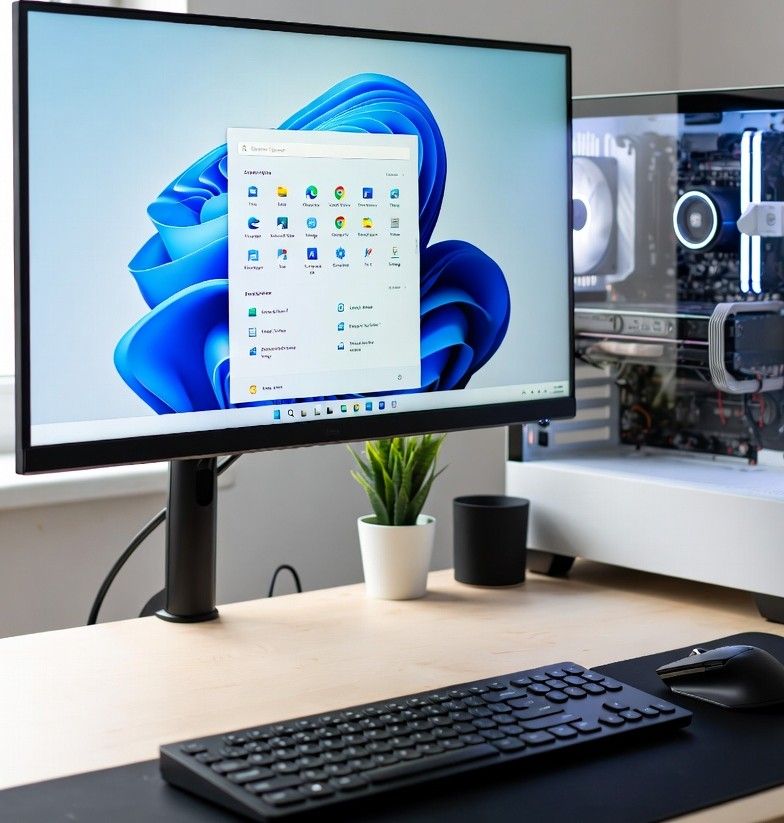
The “Activate Windows” watermark sits in the lower corner of the screen. It does not flash, play sounds, or block access to files. That choice is deliberate. Microsoft uses it as a constant but low-pressure reminder. Users can still browse, edit documents, and run software without limits.
This approach helps prevent confusion. Instead of locking features or stopping the system, Windows 11 keeps working while clearly signaling that something needs review. The watermark stays visible across apps, making it hard to miss but easy to ignore when needed.
System Notifications and Pop-Up Messages
Beyond the watermark, Windows 11 uses system notifications to explain what is happening. These messages often appear after setup, major updates, or hardware changes. A short alert may explain that Windows is not activated or that the license cannot be verified.
The wording is simple. Messages avoid technical terms and focus on next steps. This style helps users understand the issue without feeling overwhelmed. Notifications usually link to settings rather than pushing users toward third-party tools or risky downloads.
Activation Details Inside Settings
The clearest information lives inside the Settings app. Under System and then Activation, users can see the exact status of their license. This page explains whether Windows is activated, connected to a digital license, or waiting for action.
Clear labels and short explanations define each state. If there is a problem, Windows often lists possible causes, such as a hardware change or a missing product key. This transparency builds trust and reduces guesswork.
For users who want deeper context, this is where Windows explains how to resolve activation issues safely. It is also where users are reminded again to activate Windows 11 using official paths rather than unknown software.
Why Microsoft Avoids Blocking Core Features
Windows 11 continues to function even when activation is incomplete. Core tools like web browsers, productivity apps, and system updates remain available. Microsoft avoids feature lockouts because they can frustrate users and disrupt work.
Instead, the company relies on visibility and repetition. Watermarks, notifications, and settings alerts work together. Each message reinforces the same point without escalating pressure. Over time, users understand the issue and can act when ready.
Clear Communication Builds Confidence
Licensing can be confusing, especially for people who build their own PCs or upgrade hardware. Windows 11 addresses this by explaining status in plain language. Messages focus on what is happening now, not on legal terms or long warnings.
This clarity helps users stay calm. They know their system is still usable. They also know exactly where to look for official messages and trusted guidance.
READ ALSO: Boosting Communication Efficiency with Windows 11 Pro: Key Features for Professionals
Conclusion
Windows 11 uses simple signals to communicate activation status without disrupting daily use. The watermark, system alerts, and settings page all work together to inform users clearly. By keeping messages visible but calm, Microsoft helps people understand licensing and decide when to activate Windows 11 through safe, official channels.